Selecting a Voice
Choose a voice from the dropdown. Each voice has a distinct tone and accent. The selected voice is used for all outbound and inbound calls handled by this agent.
Background Sound
Toggle background sound on to add subtle office ambience to your agent’s calls.
Speed
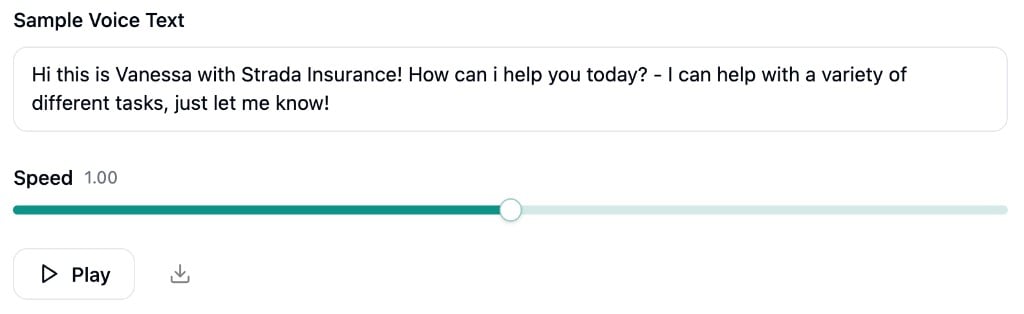
Adjust how fast your agent speaks using the speed slider. Speed ranges from 0.8x to 1.2x, with a default of 1.0.Previewing
Use the Sample Voice Text field to type any text you want to hear in the selected voice. Click Play to generate and listen to the audio sample. You can also download the sample as an MP3 file. The sample automatically updates to include the selected voice’s name when you switch voices.