

Overview
Pre-Call Workflows let you run automations before a call connects. Use them to look up customer data, update call variables, block unwanted calls, or route inbound calls to a different agent. There are two types:- Outbound - Runs before each campaign call is placed. Assigned to a campaign during creation.
- Inbound - Runs when an incoming call arrives, before the agent speaks. Assigned through the agent’s Incoming Call Personalization settings. Inbound workflows must complete within 5 seconds and do not support Delay or LLM nodes.
Workflow List
Use the Outbound and Inbound tabs to filter workflows by type. Click New Workflow to create one - enter a name and select an agent. The call direction is determined by whichever tab is active.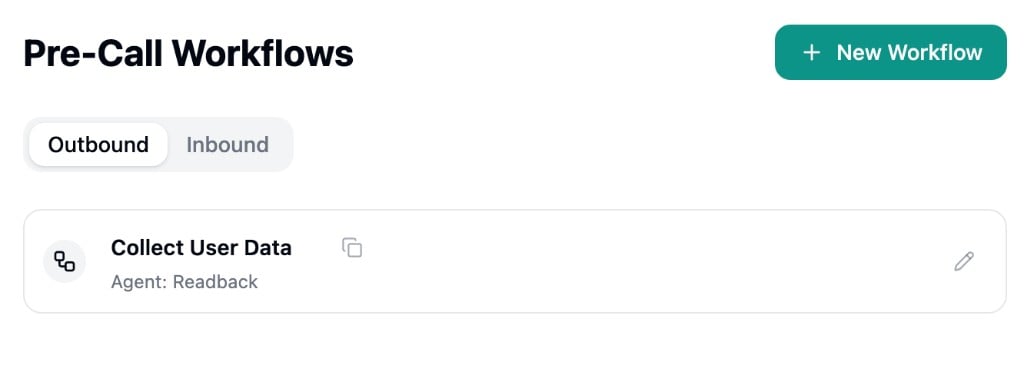
Workflow Builder
Pre-call workflows use the same visual builder as Strada Workflows. Refer to that page for details on building, testing, and publishing workflows. The key differences for pre-call workflows are: Pre-call specific nodes- Block Call - Stop the call from being placed
- Update Variables - Merge variables into the call before it connects
- Handoff - Route to a different agent (inbound only)
- Transfer Call - Transfer to a destination number (inbound only)
- Inbound workflows do not support Delay or LLM nodes
- Edits are auto-saved as a draft, but you must click Publish Workflow for changes to take effect in production
