

Overview
Strada workflows allow you to automate actions and processes both during and after conversations. These workflows can trigger based on action variables, extracted data, or analysis outcomes to streamline your operations and enhance your agent’s utility.Creating Strada Workflows
Strada workflows are configured in either the Post-Conversation or Actions tab of your agent settings depending on whether you plan to utilize during or after the conversation. You can create workflows that:- Send OTPs during a conversation
- Send data to external systems
- Trigger notifications and alerts
- Create tasks and tickets
- Update CRM records
- Execute custom logic based on conversation flow/outcomes
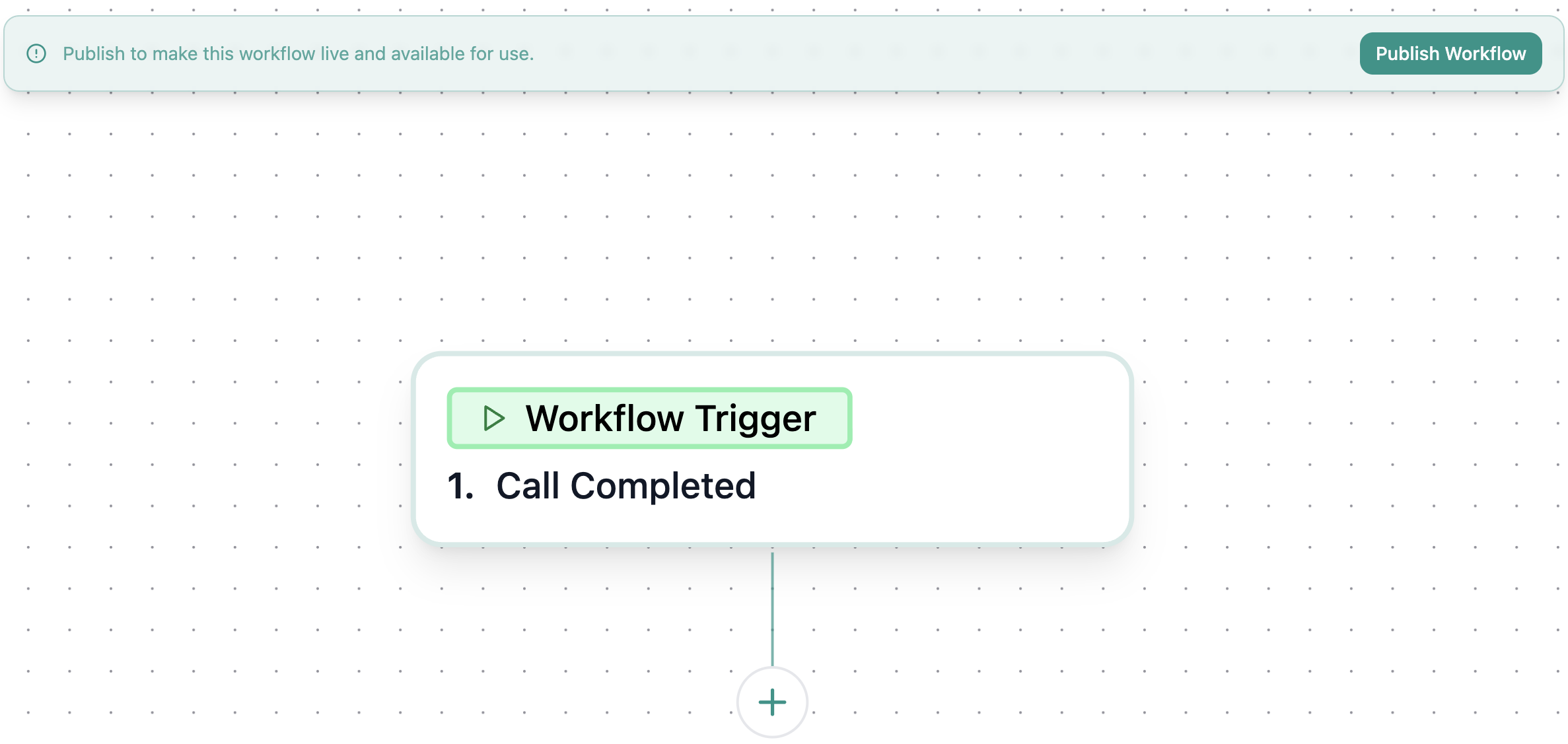
Trigger Conditions
If you don’t want your workflow to be executed automatically for each and every conversation, you might want to use conditions to branch out how workflows are triggered based on conversations. These conditions are handled using Flow Control within Strada’s Workflows. Flow Control can be found inside of our “Apps” that pop up when you click on the + button to add a node.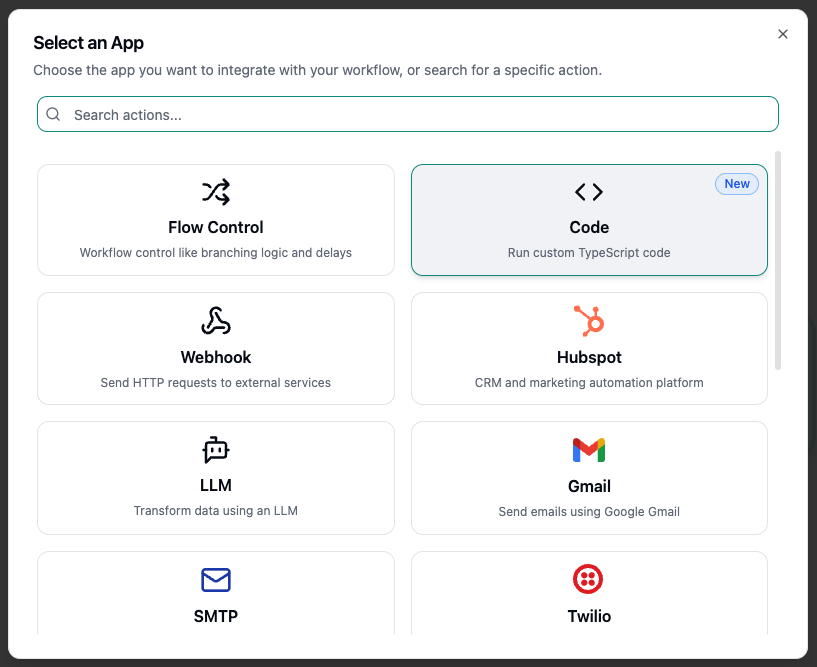
Split
The Split flow-control action splits execution to multiple paths. Use split when you want to run different workflows for different sets of conversations that may be distinguished by a variable, behavior, etc. When you add a Split, it creates branches—you can add or remove any number of conditional paths, each configured with rules (criteria) that determine whether that path executes. This can be seen in the image below: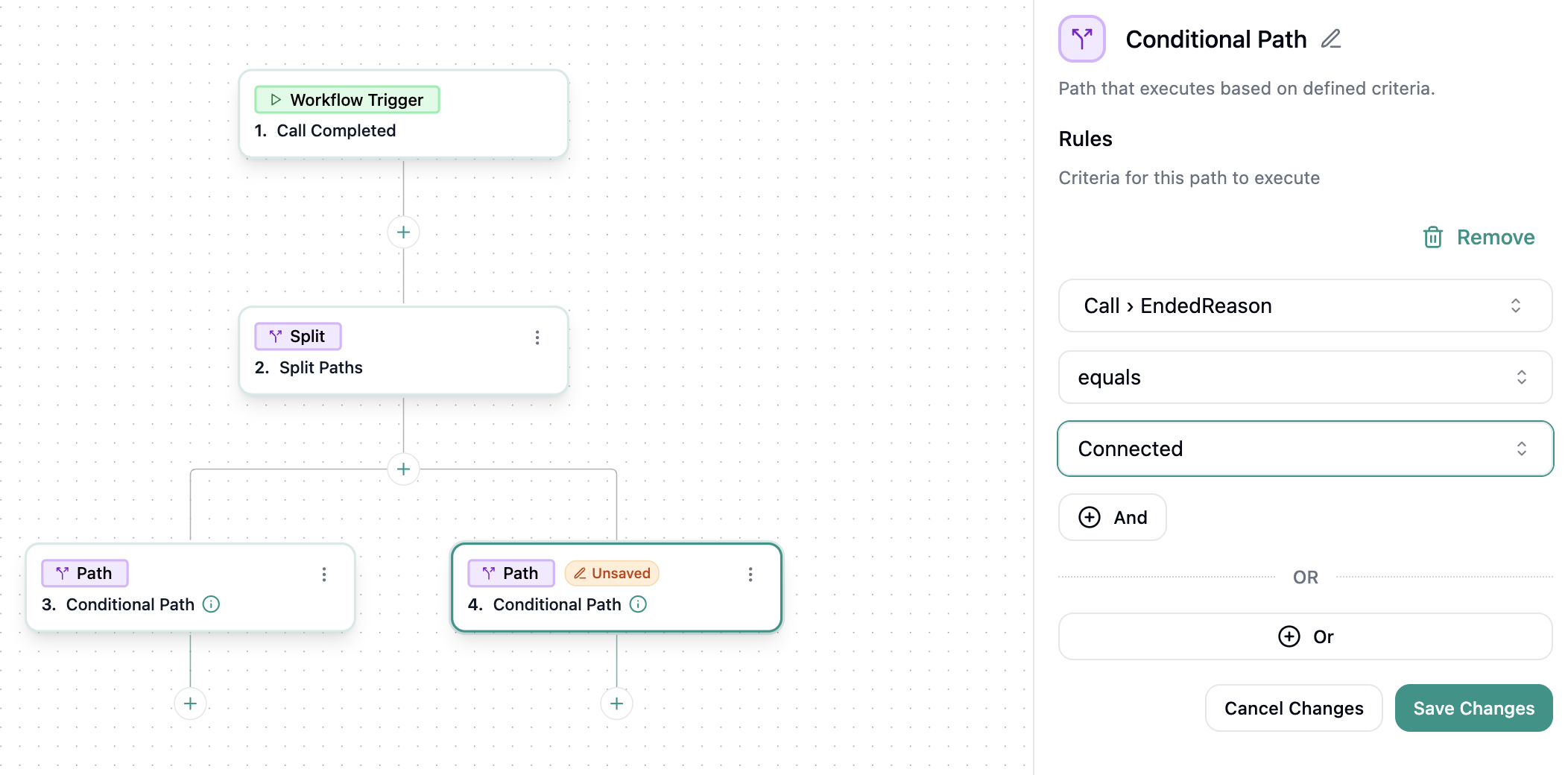
Delay
The Delay flow-control action pauses execution for a set time before continuing. Use Delay when you need to wait—e.g., give an email time to deliver, stagger CRM updates, or schedule a follow-up after a cooling period. When you add a Delay, you specify how long to wait (seconds, minutes, hours, days, or weeks). After the delay elapses, the workflow resumes on the next step. You can chain multiple delays to create staged sequences.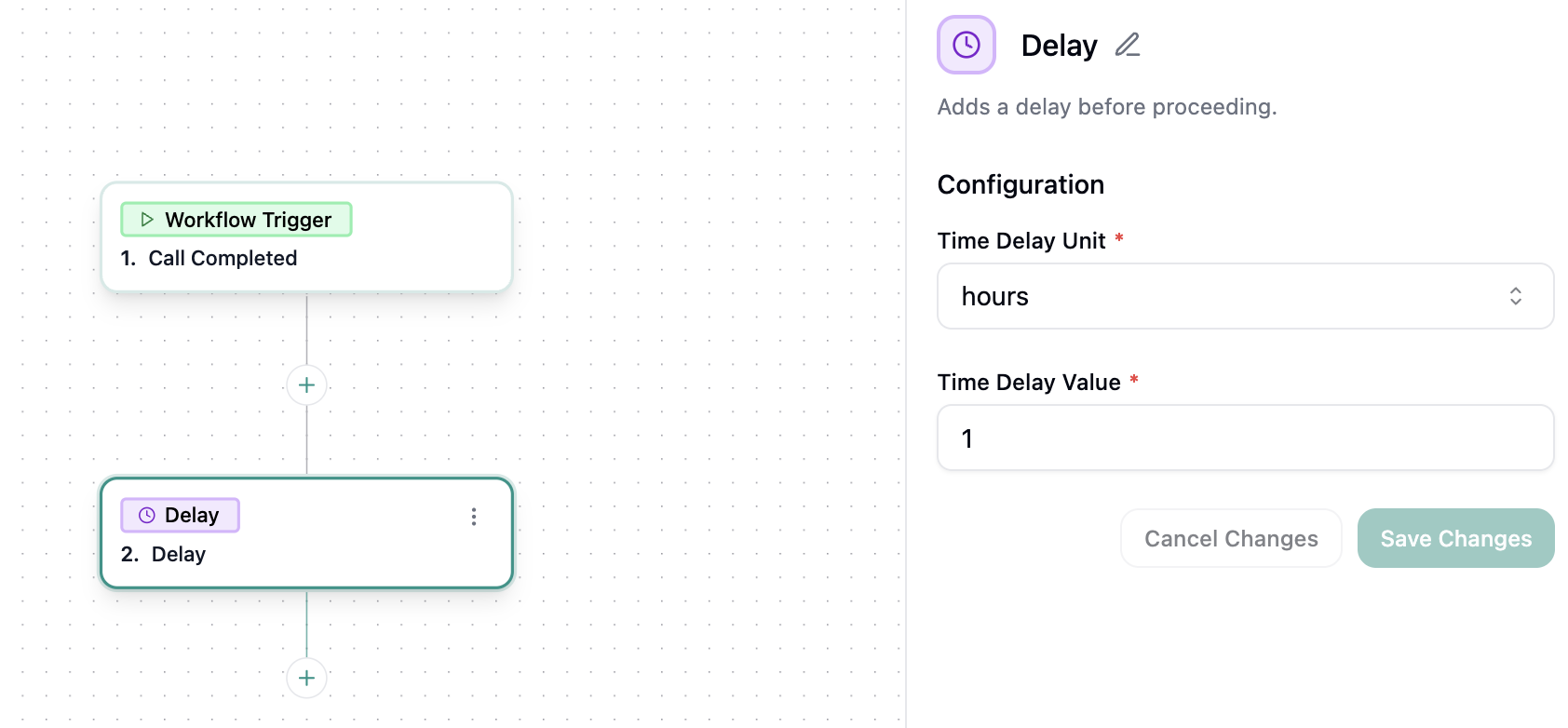
Loop
The Loop flow-control action iterates over a collection and runs the same path for each item. Use Loop when you need to apply identical steps to multiple records—e.g., analyze every message from the transcript. When you add a loop, you choose the collection to iterate (array from analysis, transcript, etc.) For each element, the workflow executes the following steps.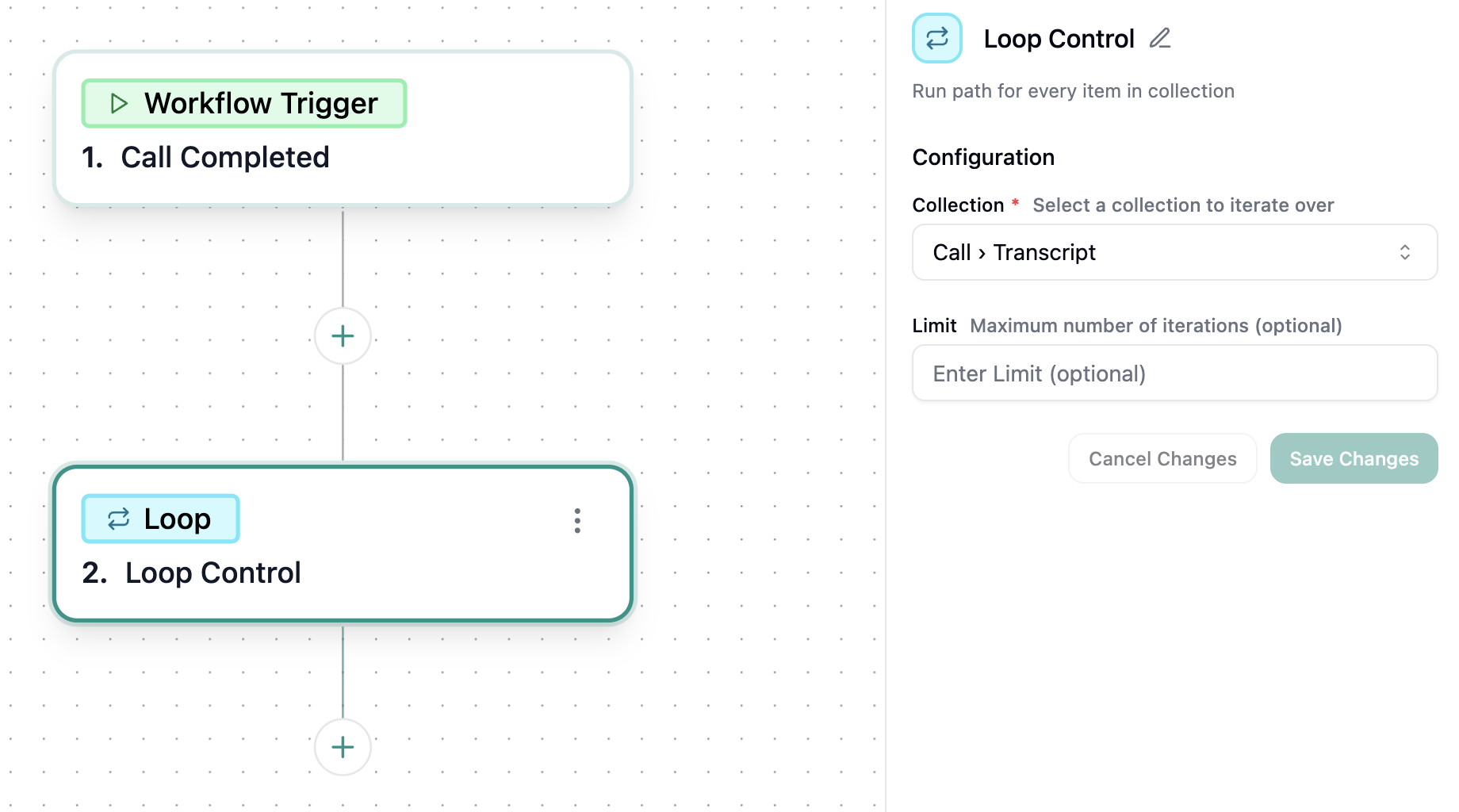
Strada Actions
Strada also provides built-in nodes that enable advanced workflow capabilities directly within your workflows:LLM
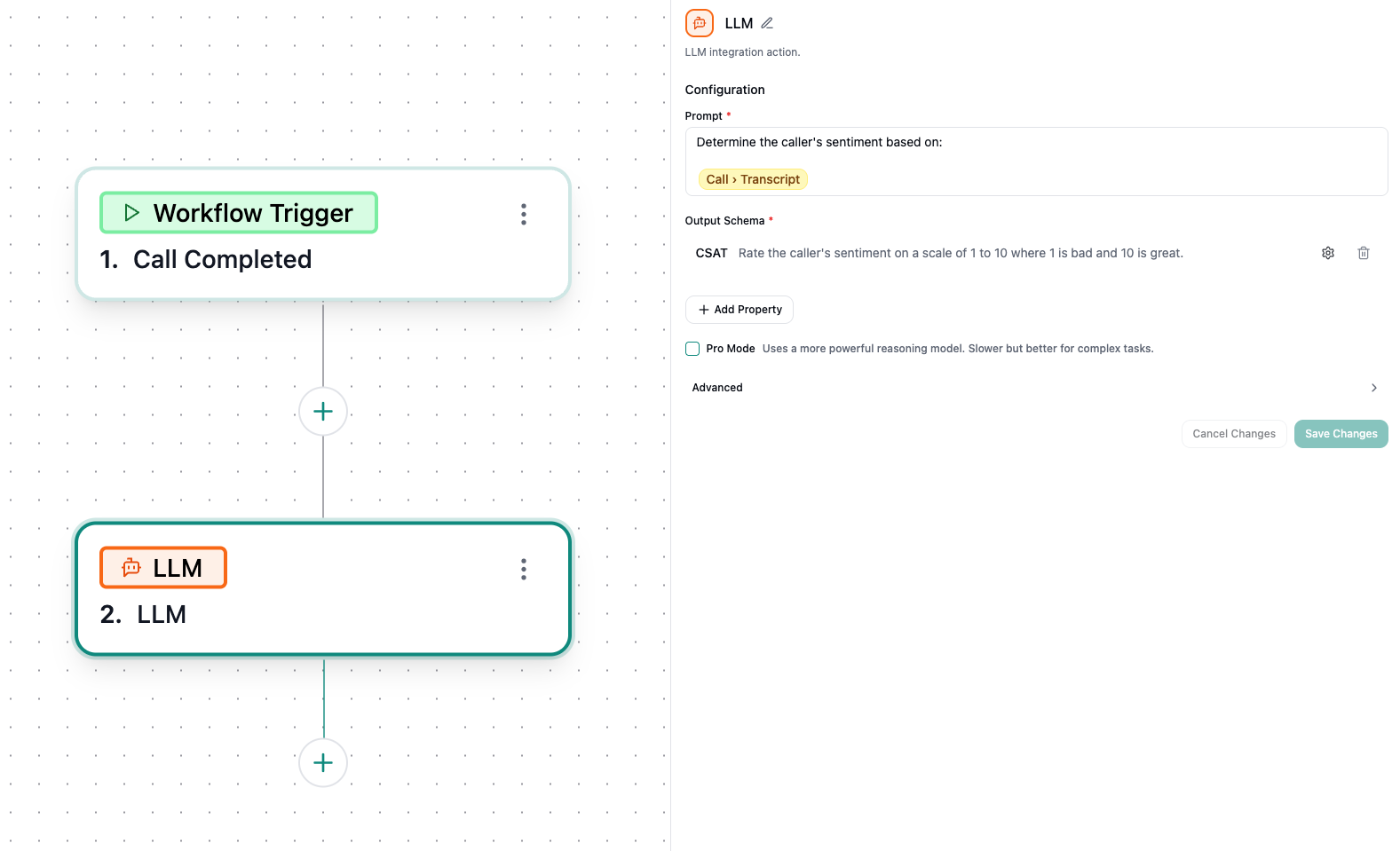
The LLM node enables you to leverage AI language models within your workflows to:- Process and transform data using natural language
- Generate dynamic content based on workflow variables
- Perform intelligent data extraction and analysis
- Create context-aware responses
Code
The Code node allows you to execute custom TypeScript code within your workflows. Use this node to:- Perform complex calculations and data transformations
- Implement custom business logic
- Integrate with APIs or services not available as built-in actions
- Manipulate and process workflow variables with full programming capabilities
The code node also comes with an AI Assistant and
Expected Output to help with both implementing your
logic as well as visualizing the output to best determine if the node aptly fulfills your agent’s needs!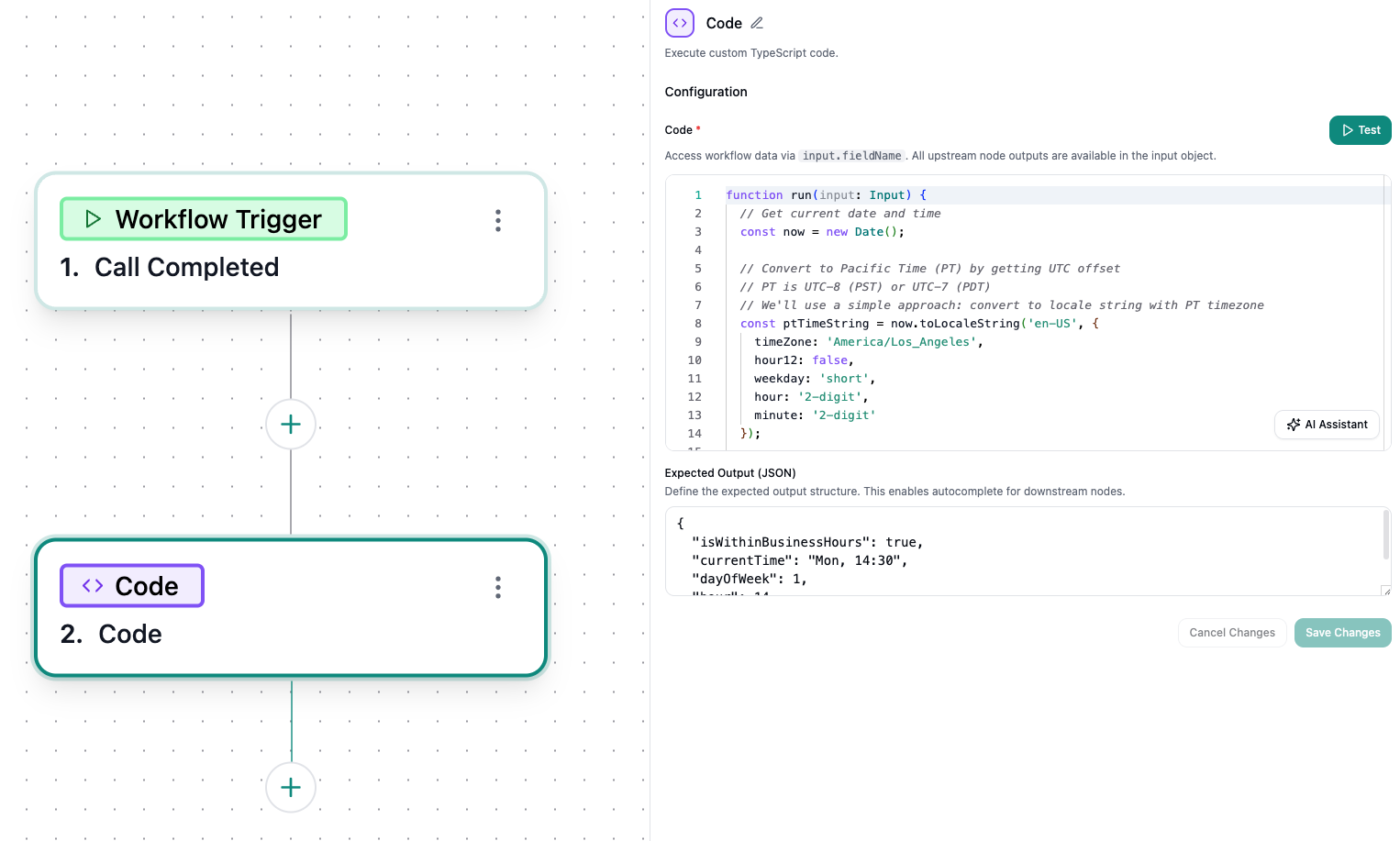
Available Actions
Post-call workflows can integrate with a comprehensive suite of applications to automate your follow-up processes:Webhook
- Send HTTP requests to external services
HubSpot
- Create Ticket
- Create Task
- Log Call Activity
- Create/Update Contact
- Create List
- Add to List
Gmail
- Send Email
Front
- Send Channel Message
SMTP
- Send Email
Twilio
- Send SMS
Zendesk
- Create Ticket
- Update Ticket
- Check Queue
Strada
- Create Campaign Call
- Return Response (In Conversation Only)
Slack
- Send Channel Message
Microsoft Teams
- Send Channel Message
- Send Bot Message
MaestroQA
- Push to QA
Salesforce
- Create Task
- Update Campaign Member
- Update Lead
Call
- Handoff (In Conversation Only)
- Transfer Call (In Conversation Only)
Data Mapping and Variables
You can insert variables into nodes within Strada workflows by typing/ to open the variable picker and selecting the exact agent, action, or analysis variable you want.