Overview
Test numbers let you designate specific phone numbers for testing. Any call made to or from a test number is automatically tagged with a Test badge in your Conversations page, making it easy to separate test calls from real ones.
Adding a Test Number
Click Add Test Number in the top-right corner to open the dialog.- Phone Number - Enter the number in E.164 format (e.g.,
+18478903232) - Label - A required name to help you identify the number (e.g., “QA Team Phone”)
Managing Test Numbers
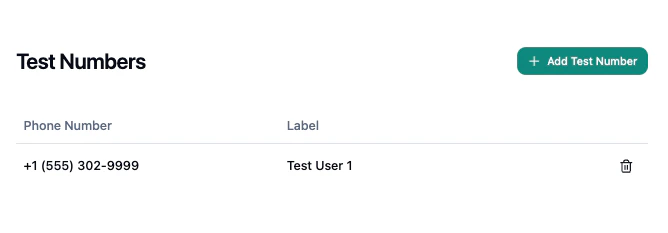
The table displays all configured test numbers with their phone number and label. To remove a test number, click the delete button on its row and confirm the deletion.