

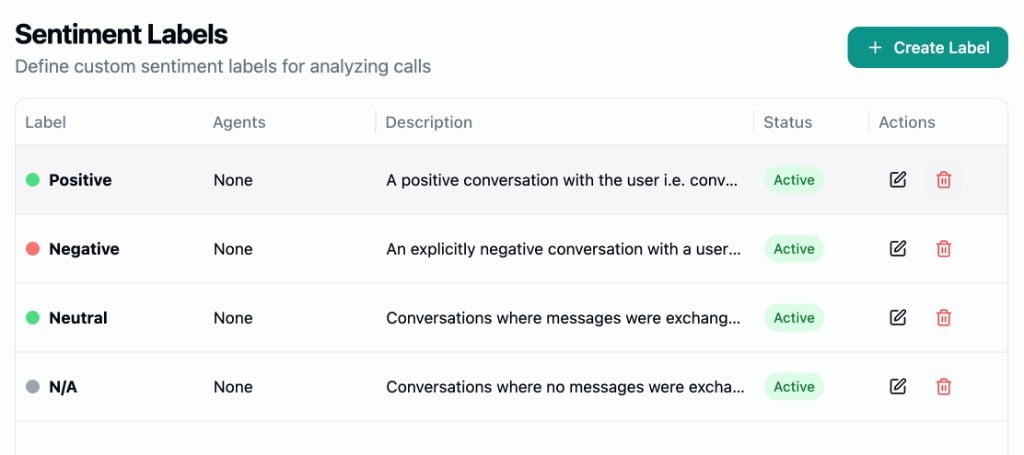
Creating a Label
Click Create Label to open the editor. Each label has the following fields:- Agents - Which agents this label applies to. Choose None (label won’t be used in evaluation), All Agents, or search and select Specific Agents.
- Label - The display name for this sentiment (e.g., “Frustrated”, “Satisfied”, “Neutral”).
- Description - Guidelines that help the AI understand when to apply this label. Be specific about the signals and behaviors that characterize this sentiment.
- Color - A color for the label badge. Choose from yellow, green, red, blue, orange, or gray.
- Active - Toggle to enable or disable the label. Only active labels linked to an agent are used during evaluation.
Templates
Click Create from Templates to start with four common sentiment categories:
Templates are created with no agent assignments. Edit each label and assign agents before they take effect.